No account. No streaming. No recommendations, no ads, no notifications. Just your own music — and a wheel that clicks.
iPhone: with Apple for review. Android is open right now.
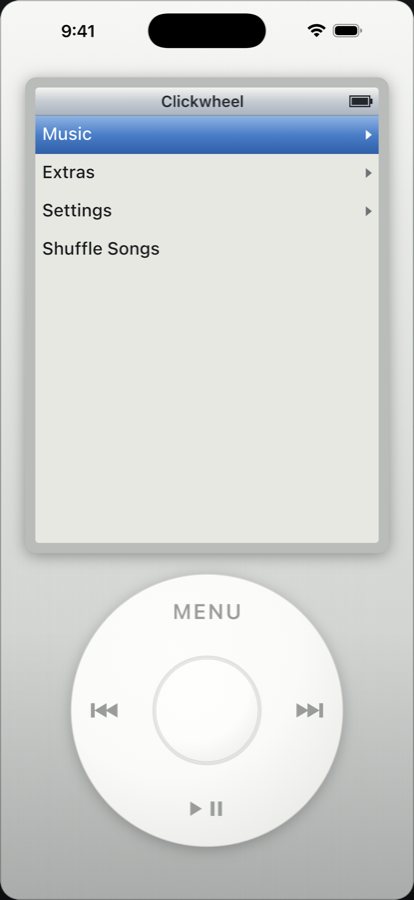
This is the real wheel — the same gesture as in the app. Drag it in a circle; MENU goes back, the centre selects. With a keyboard: arrows, Enter, Esc.
Google only lets a new app out of a closed test once twelve people have tested it for fourteen days in a row. That is the entire thing standing between Clickwheel and the Play Store — this list is the hold-up, nothing else.
The address is for this list and for nothing else. One click in the mail confirms it; one click in any of the mails deletes it again.
No slider, no buttons. Your finger circles the surface, and every few degrees it notches — audibly and in your hand.
It reads the angle to the centre rather than the distance travelled. That is why a tight circle near the middle feels exactly like a wide one at the edge.
A short, dry tick at every notch, plus a pulse in your hand. Both can be switched off separately when it gets to be too much.
MENU, centre, play/pause, forward and back. The whole device gets by on five buttons and one turning gesture.
Clickwheel plays files you own that live on your device. Title, artist, album, genre and artwork come from the files' own tags; without them the filename becomes the title.
Through Add Files or Add Folder. Quicker for whole collections: open the app's folder in the Files app, drop your music into media, then tap Check Library.
By itself. The app scans the system media index once and afterwards quietly checks at every start for what has been added. Nothing is copied, nothing has to be sorted.
MP3, M4A/AAC, FLAC, WAV and AIFF — plus OGG and Opus on Android. Video works too: MP4, M4V, MOV.
Streaming sends compressed audio; what arrives is less than the original. Clickwheel plays FLAC, WAV and AIFF as they are — no re-encoding, no equaliser, no loudness adjustment.
The player is free and stays free — your library, playback, focus mode, the lot. Money buys the comfort on top, once, and then it is yours.
Many files are named well but carry no tags at all — and then your library is a list of file names instead of albums. The tag manager reads the file name, the folders around it and the songs you already have tagged properly, and fills in title, artist, album, track number and year. Nothing is looked up online, and existing tags are never overwritten.
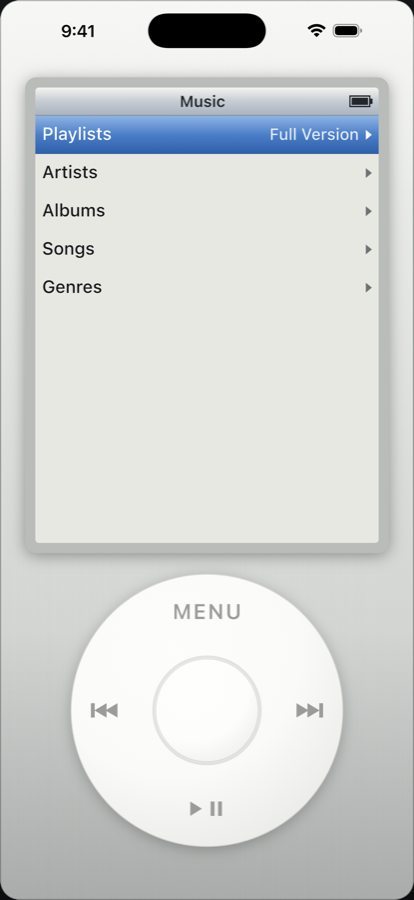
Hold the centre button on a song and it lands in the On-The-Go list; under Music ▸ Playlists you save it as “List 1”, “List 2” and so on. All of it without a keyboard.
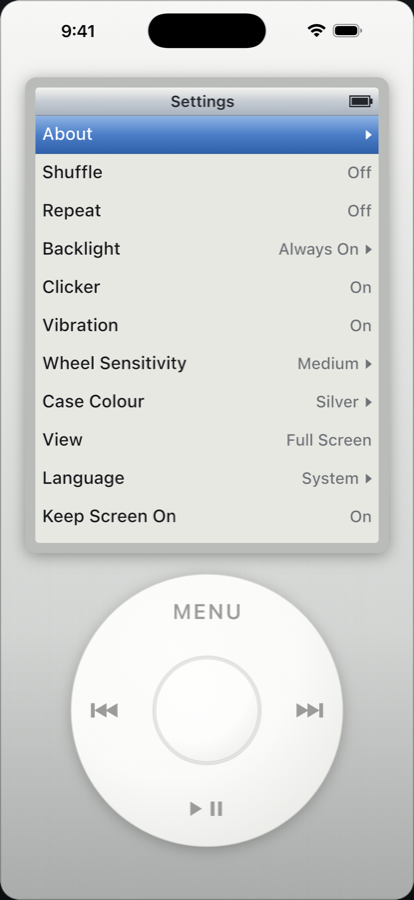
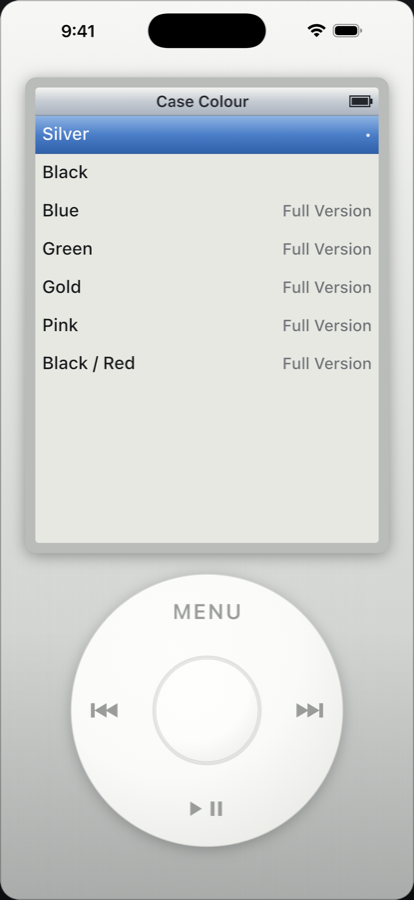
Silver and black are free. Blue, green, gold, pink and black/red come with the full version, and they switch instantly without a restart.
What stays free
Playback and your whole library, artists, albums, genres, background
playback, lock screen controls, focus mode, sleep timer, clock,
stopwatch, every supported format and video. A free player that is
only a demo is advertising; this one is a player.
Seven case colours, a display that dims like an LCD, and an interface that wants nothing else from you.
If nothing here fits, just send an email — the address is at the bottom.
A player that plays your files and nothing else, before anyone else has it — and a direct line to the person who writes it.
Because they are protected. Clickwheel only plays files you own that are stored on the device.
Holding the centre button puts the song into the On-The-Go list.
On Android the full extent; on iPhone it only hides the status bar.
Both, and each can be switched off.
No. One purchase, then it is yours — no monthly fee, nothing that expires.
No. No analytics, no ads, no accounts, no servers.
No. Clickwheel is an independent homage to the style of classic MP3 players.